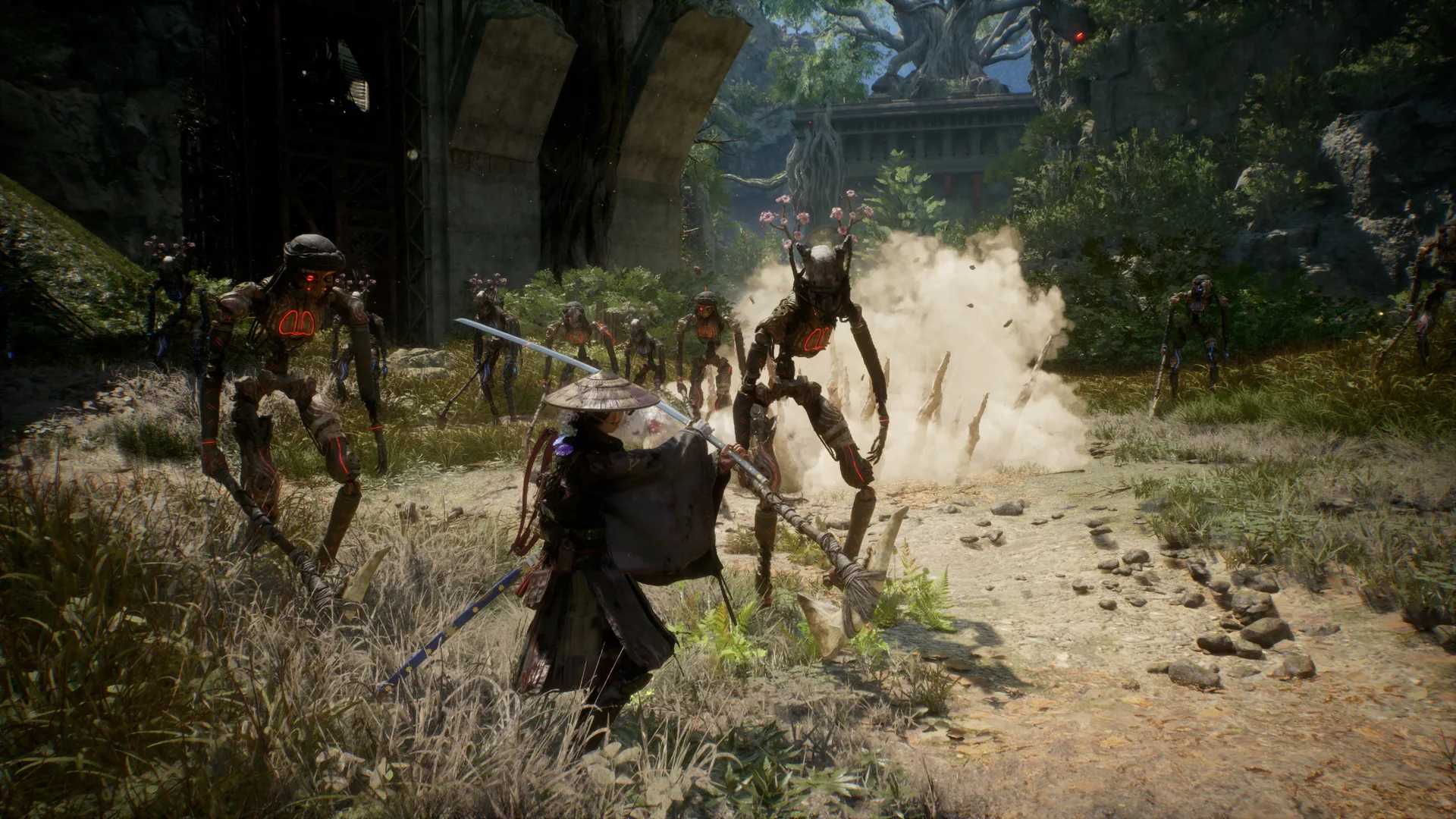
Baseline before changing settings
- Record CPU, GPU, RAM, driver, resolution, and game version.
- Confirm the game is installed on an SSD.
- Close overlays and background capture tools for one comparison run.
- Choose a repeatable scene and record average behavior, not one brief spike.
Recommended tuning order
| Step | Change | Why this comes first |
|---|---|---|
| 1 | Set 1920×1080 | Matches the official published targets |
| 2 | Enable DLSS or FSR where supported | Both official tiers assume upscaling |
| 3 | Select a stable frame cap | Reduces swings your hardware cannot sustain |
| 4 | Lower demanding effects one at a time | Preserves image quality where possible |
| 5 | Compare the same scene | Makes the result attributable |
Minimum and recommended expectations
The minimum note targets Low 1080p at 40 fps and the recommended note targets Medium 1080p at 60 fps. Both mention Performance upscaling. If your hardware is close to a listed tier, expecting native 4K or maximum settings is outside the official promise.
Stutter versus low average frame rate
Low average performance responds to resolution, upscaling, frame caps, and visual settings. Intermittent stutter can instead involve shader compilation, background tasks, storage, or a specific game build. Do not treat one remedy as proof of a universal cause.
Configuration-file warning
Launch-week community posts may recommend direct edits. Back up the original file, change one line at a time, and keep a written rollback. Do not download replacement configuration files or executables from an unknown source.
When to stop tuning
If the game crashes more often, produces visual corruption, or no longer starts, restore the last known-good setting. Report a reproducible issue with hardware, driver, game version, and steps rather than only “bad performance.”
Source ledger
Evidence used for this answer
- Beast of Reincarnation — System Requirements Steam / Fictions · Official · checked Aug 8, 2026
- Beast of Reincarnation review — tested PC context PC Gamer · Video-observed · checked Aug 8, 2026
- Community graphics-setting comparison r/BeastofReincarnation · Community consensus · checked Aug 8, 2026